 By Tina Brown
It is the process of converting images of text into machine-readable information. After that, the final output becomes searchable, editable, and suitable for text-based data processing.

In the context of data entry and data extraction, you must have heard of the term Optical Character Recognition. Well, it might sound fancy, but it is a simple concept. When you have images bearing key data, they lack key features. For example, you cannot edit the data, search for specific bits of information, or perform analytics on it. The simple solution here is OCR software. To learn more, refer to the article below.

What does OCR stand for? If that is your question, OCR is Optical Character Recognition. This is a technical term and simply refers to an image-to-text conversion! In this conversion, images of text are turned into machine-readable text formats.
For example, suppose you have a hard copy of some receipt, and you take a picture of it. Optical character recognition software converts this image into a completely text-based format for faster data processing.
Do you know? All the top data entry outsourcing companies use OCR software. They often have to deal with images of text!
The optical character recognition software works in 5 main stages. These are briefly mentioned below in simple language. In short, it involves image acquisition, preprocessing, text recognition, layout recognition, and postprocessing.
The OCR technology is frequently used in data extraction processes, which are part of data ingestion and other key business analytics activities.
The optical character recognition software can be mainly divided into the following categories. It includes desktop OCR software, cloud-based OCR software, mobile OCR applications, AI-powered OCR software, etc.
Do you know? All these categories slightly change the OCR meaning. That is due to the varying capabilities.
Also Read: What is Data Entry? Meaning, Roles, Salaries, and Job Types

After discussing “what is OCR?” and software types, let’s move on to types of OCR technologies. The following list includes simple OCR, optical mark recognition (OMR), intelligent character recognition (ICR), and intelligent word recognition.
Do you know? Simple OCR matches character-related patterns, and that is why it is called optical character recognition. If it matches the given text word by word, it is called optical word recognition.
The key benefits of optical character recognition software are as follows. Using this software saves time, reduces manual data entry, improves accuracy, makes documents searchable, enhances productivity, and lowers operational costs.
We have well understood, “What is optical recognition?” Now, let’s explore how this technology is streamlining workflows in various sectors and industries. Banking & finance services, healthcare, the legal industry, education, government agencies, and human resources are major areas where it is used.
| Banking and financial services | Most of the OCR tools are used here due to the vastness of transaction-related record generations on a daily basis. |
| Healthcare | It is one of the highly lucrative and data-rich sectors in any economy. |
| Legal industry | This industry entirely depends on a variety of contracts. Thus, OCR software helps make documents digital, searchable, and editable faster with efficiency. |
| Education | Now, handwritten documents can be easily converted into digital copies in a few simple steps. |
| Government agencies | A variety of text data on images can now be made searchable on screen. |
| Human resources | Regular receipts, employee-related hard-copy documents, and many types of other administrative data in image format are a real hassle without OCR-enabled digitalization. |
Additionally, OCR software is also used in logistics & supply chain, retail & e-commerce, insurance, and accounting & tax documentation.
You can use optical character recognition software tools with multiple file formats. It supports all types, including.
You can feed all types of images into the system and then let it convert them into text-only documents. Your information, this way, becomes searchable and editable. That makes day-to-day data processing super easy.
Also Read: What is Data Processing Outsourcing? Benefits, Trends, Common Services, & Much More!
This section compares optical character recognition with other technologies. Consider the key differences among OCR, OMR, ICR, Barcode Recognition, and Manual Data Entry below.
Optical character recognition differs from optical mark recognition in just one respect. The former deals with characters while the latter focuses on marks. Both use the same pattern-matching algorithm.
OCR and ICR both do the same job of converting images of text into text-only documents. But the difference lies in the technology they use. OCR uses a character-by-character pattern-matching algorithm. On the other hand, ICR utilizes cutting-edge AI and advanced machine learning models. It allows the software to read like a human being.
The main difference between OCR and Barcode Recognition is twofold. It includes the nature of the material that is being converted into machine-readable information and the key processes involved.
In OCR, the software handles the task of data entry, along with a certain level of human intervention. But in manual data entry, everything from A to Z is managed by a team of professional human beings.
You have known so many things so far, besides what is optical character reader! But analyse its restrictions as well. It is related to poor image quality, handwriting recognition challenges, complex layouts, low-resolution documents, etc.
For high accuracy in the output while using software character recognition, try the following simple rules.
These simple tricks will provide you with quality results.
The future of OCR depends entirely on advancements in the field of AI, deep learning models, better mobile experience, robust cloud-based capabilities, and high-tech intelligent document processing (IDP).
However, AI and machine learning both have already streamlined OCR processes to a great extent. Intelligent character recognition (ICR) is already nailing reading text at a near-human-like proficiency.
The optical character recognition technology is one of the most effective data entry and data extraction tools! As per your needs, there are multiple levels of capabilities available, such as simple OCR, OMR, ICR, and IWR. One enterprise might need all of them at once or one at a time, according to the nature of the work. This recognition software reduces operational costs significantly, boosting productivity in data processing!
It is the process of converting images of text into machine-readable information. After that, the final output becomes searchable, editable, and suitable for text-based data processing.
Yes. Intelligent Character Recognition (ICR) and Intelligent Word Recognition (IWR) are both advanced technologies that are capable of recognizing handwritten texts.
Yes, the OCR technology is capable of ensuring high accuracy in the data conversion process.
PDF documents, printed books, receipts, invoices, identity documents, business cards, handwritten notes, and images, in all formats, are accepted.
The simple OCR with average quality is free. But if you need higher capabilities, you will have to consult a provider!
Sources:
Every type of business needs information to operate in the most efficient way, boosting productivity. Thus, learning about data collection…
October 9, 2026
AI and machine learning have stepped out of laboratories to be used in a multitude of everyday products. Some of…
September 14, 2026
When you see the padlock icon on your computer or visit a secure website, something immediately clicks within the invisible…
August 27, 2026
Markdown is a type of lightweight markup language that is used to represent plain text in a structured way. It…
August 21, 2026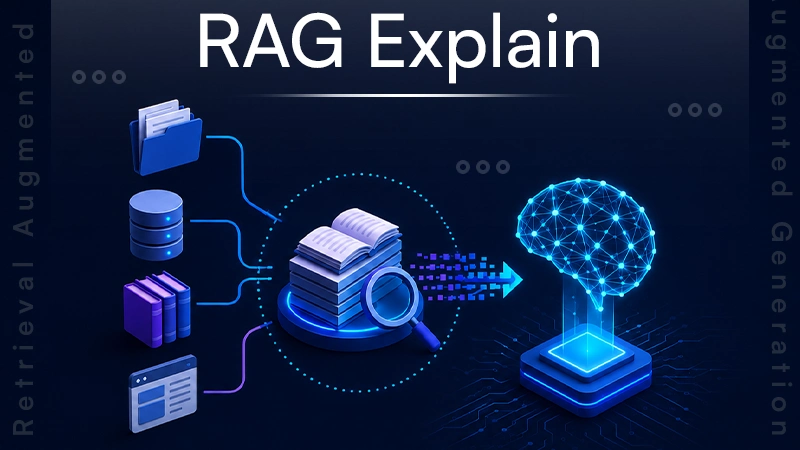
Retrieval-Augmented Generation (RAG) is an AI framework that connects LLMs to external data sources so they can give accurate and…
August 3, 2026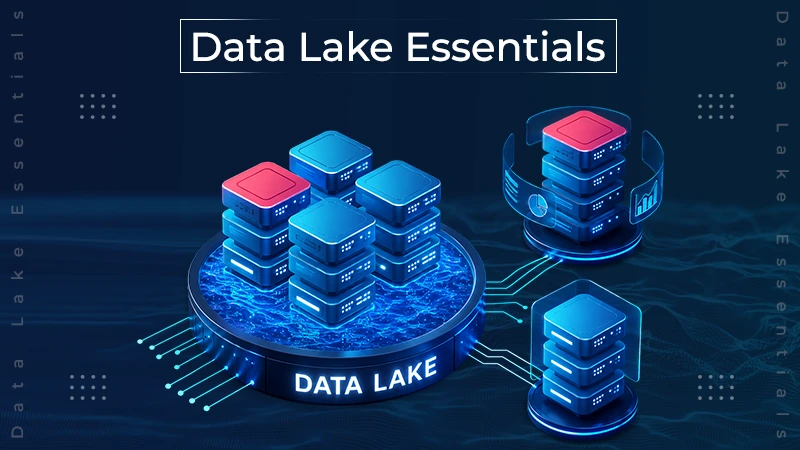
A data lake is a storage repository specifically designed to store large amounts of structured, semi-structured, and unstructured data in…
July 30, 2026 By Team Dataqix
  By Jim Hartman